

How to install a GPS system on a tractor?
Hey there! As a tractor supplier, I've seen firsthand how a GPS system can revolutionize the way tractors operate. It's like giving your tractor a super - smart brain that helps with efficiency, precision, and overall performance. In this blog, I'll walk you through how to install a GPS system on a tractor.
Why Install a GPS System on Your Tractor?
Before we dive into the installation process, let me quickly tell you why it's worth it. A GPS system on your tractor can help you with accurate field mapping. You'll know exactly where you've seeded, fertilized, or plowed. This means you can avoid overlapping work, which saves time and resources. It also helps with auto - steering, so your tractor can follow straight lines with pinpoint accuracy, even in large fields. And if you're into precision agriculture, a GPS system is a must - have for variable rate application of inputs like seeds and fertilizers.
What You'll Need
First things first, gather all the necessary tools and equipment. You'll need a GPS receiver unit. Make sure it's compatible with your tractor's make and model. You can usually find this information in the product specifications. You'll also need a power cable to connect the GPS unit to the tractor's battery. A mounting bracket is essential to securely attach the GPS receiver to the tractor. You might also need some basic hand tools like a screwdriver, wrench, and wire cutters.
Step 1: Choose the Right Location
The first step in installing the GPS system is to find the perfect spot for the GPS receiver on your tractor. You want a location that has a clear view of the sky, as the GPS receiver needs to communicate with satellites. A common place is on the roof of the tractor cab. But make sure it's not in a position where it can be easily damaged by branches or other obstacles.
Step 2: Mount the GPS Receiver
Once you've chosen the location, it's time to mount the GPS receiver. Use the mounting bracket that came with the GPS unit. Place the bracket on the chosen spot and mark the holes for drilling. Drill the holes carefully, making sure they're the right size for the screws. Then, attach the bracket to the tractor using the screws. Next, place the GPS receiver on the bracket and secure it with the provided fasteners.
Step 3: Connect the Power Cable
Now, it's time to connect the power cable. Locate the tractor's battery. Make sure the tractor's engine is off before you start working on the battery. Connect the positive end of the power cable to the positive terminal of the battery and the negative end to the negative terminal. You can use wire connectors to ensure a secure connection. It's a good idea to use electrical tape to cover the connections and prevent any short - circuits.
Step 4: Install the Antenna
Some GPS systems come with an external antenna. If yours does, you'll need to install it. The antenna should also be placed in a location with a clear view of the sky. It can be mounted on the side of the tractor cab or on a separate pole. Connect the antenna to the GPS receiver using the provided cable.
Step 5: Configure the GPS System
After the physical installation is complete, it's time to configure the GPS system. Turn on the tractor's engine and power on the GPS unit. Follow the on - screen instructions to set up the system. You'll need to enter some basic information like your location, the type of tractor, and the size of the field you'll be working in. You can also calibrate the system for auto - steering if it has that feature.
Step 6: Test the System
Once the configuration is done, it's important to test the GPS system. Drive the tractor around the field and see if the GPS unit is accurately tracking your position. Check if the auto - steering feature is working correctly. If you notice any issues, refer to the user manual or contact the manufacturer's customer support.
Our Tractor Offerings
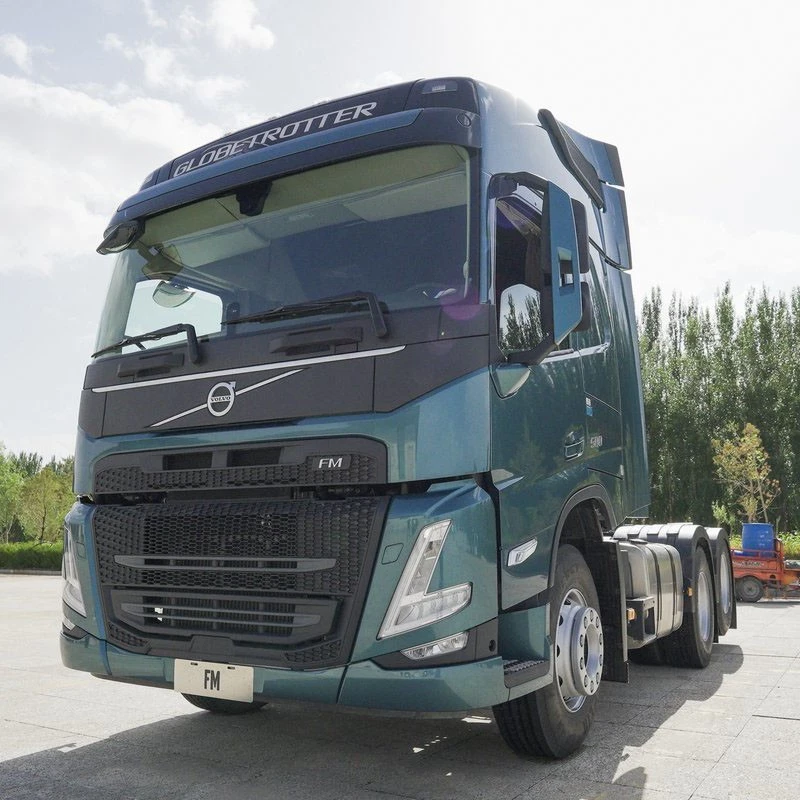
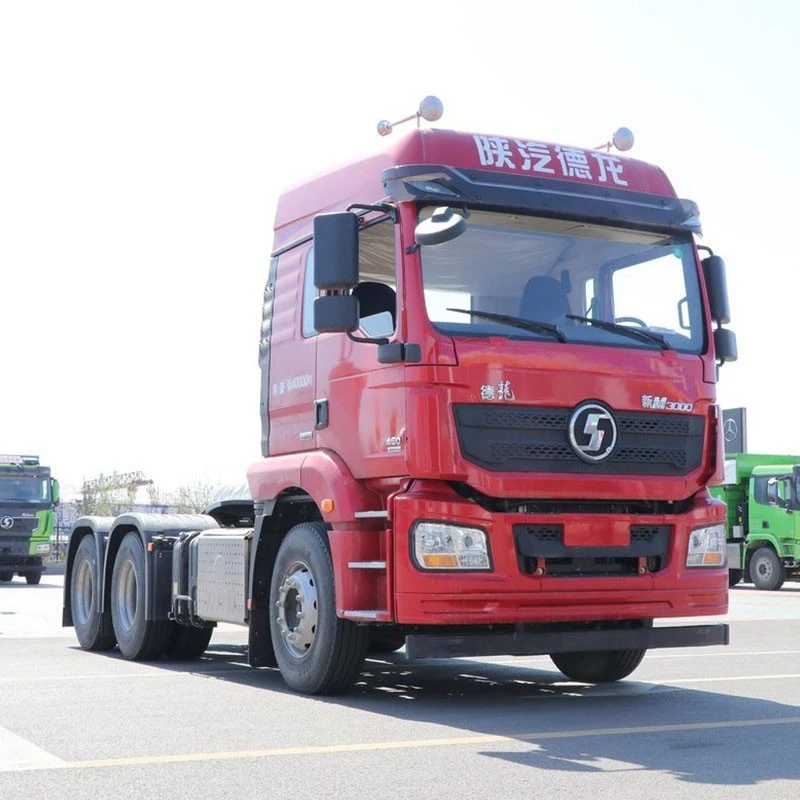
At our company, we supply a wide range of tractors that are compatible with GPS systems. For example, we have the Volvo Fm 6x4 Tractor, which is known for its reliability and performance. The Beiben 6x4 Tractor is another great option, offering excellent power and durability. And if you're looking for a high - quality Chinese tractor, the Shacman M3000 6x4 Tractor is a top choice.
Contact Us for More
If you're interested in purchasing a tractor or need more information about installing a GPS system, don't hesitate to reach out. We're here to help you make the most of your farming operations. Whether you're a small - scale farmer or a large - scale agricultural business, we have the right solutions for you.
References
- GPS System Installation Manuals
- Tractor Manufacturer's User Guides
- Agricultural Technology Magazines