

How to add a GPS system to a special truck?
As a reputable supplier of special trucks, I often encounter inquiries from customers interested in enhancing their vehicles with advanced features. One such feature that has gained significant popularity in recent years is the addition of a GPS system. In this blog post, I will guide you through the process of adding a GPS system to a special truck, providing you with valuable insights and practical tips.
Understanding the Benefits of a GPS System
Before delving into the installation process, it's essential to understand the numerous benefits that a GPS system can offer to your special truck. Here are some of the key advantages:
- Enhanced Fleet Management: A GPS system allows you to track the real-time location of your trucks, enabling you to optimize routes, monitor driver behavior, and improve overall fleet efficiency.
- Improved Safety: With a GPS system, you can receive alerts in case of speeding, harsh braking, or other unsafe driving practices. This helps you ensure the safety of your drivers and reduce the risk of accidents.
- Increased Productivity: By providing accurate location information, a GPS system helps you dispatch trucks more effectively, reducing idle time and increasing productivity.
- Better Customer Service: With real-time tracking, you can provide your customers with accurate delivery estimates, improving customer satisfaction and loyalty.
Choosing the Right GPS System
The first step in adding a GPS system to your special truck is choosing the right system for your needs. Here are some factors to consider:
- Functionality: Determine the specific features you require, such as real-time tracking, geofencing, driver behavior monitoring, and reporting.
- Compatibility: Ensure that the GPS system is compatible with your special truck's make and model, as well as any existing onboard systems.
- Reliability: Look for a GPS system that offers reliable coverage and accurate location data, even in remote areas or challenging environments.
- Ease of Use: Choose a system that is easy to install, operate, and maintain, with a user-friendly interface and intuitive controls.
- Cost: Consider the upfront cost of the GPS system, as well as any ongoing subscription fees or maintenance costs.
Preparing Your Special Truck for Installation
Once you have chosen the right GPS system, it's time to prepare your special truck for installation. Here are the steps you need to follow:

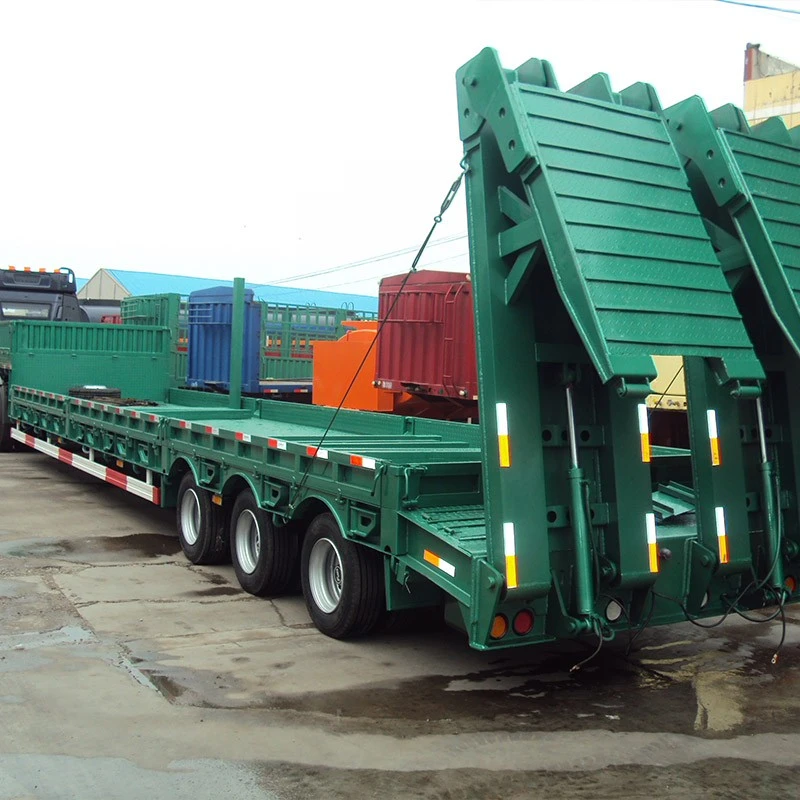
- Gather the Necessary Tools: You will need a set of basic tools, such as a screwdriver, pliers, wire strippers, and a drill, to install the GPS system.
- Choose the Installation Location: Select a suitable location for the GPS system, such as the dashboard, windshield, or center console. Make sure the location is easily accessible and does not interfere with the operation of the truck.
- Disconnect the Battery: Before installing the GPS system, disconnect the truck's battery to prevent any electrical damage or short circuits.
- Route the Wires: Carefully route the wires from the GPS system to the power source, typically the truck's battery or fuse box. Make sure the wires are secured and do not interfere with any moving parts or other components.
Installing the GPS System
Now that you have prepared your special truck for installation, it's time to install the GPS system. Here are the steps you need to follow:
- Mount the GPS Device: Use the provided mounting brackets or adhesive tape to mount the GPS device in the chosen location. Make sure the device is securely attached and does not move or vibrate during operation.
- Connect the Wires: Connect the wires from the GPS device to the power source, following the manufacturer's instructions. Make sure the connections are tight and secure, and that there are no loose or exposed wires.
- Test the System: Once the GPS system is installed, reconnect the truck's battery and test the system to ensure it is working properly. Check the location data, tracking functionality, and any other features you have selected.
Configuring the GPS System
After installing the GPS system, you need to configure it to meet your specific needs. Here are the steps you need to follow:
- Create an Account: Most GPS systems require you to create an account on the manufacturer's website or mobile app. Follow the instructions to create an account and register your GPS device.
- Set Up the Tracking Parameters: Configure the tracking parameters, such as the tracking interval, geofencing zones, and driver behavior alerts. You can customize these settings to suit your specific requirements.
- Add Users and Permissions: If you have multiple users who need access to the GPS system, add them to your account and assign appropriate permissions. This allows you to control who can view and manage the tracking data.
- Test the System Again: Once you have configured the GPS system, test it again to ensure that all the settings are working properly. Check the location data, tracking functionality, and any other features you have configured.
Maintaining the GPS System
To ensure the long-term performance and reliability of your GPS system, it's important to maintain it regularly. Here are some tips for maintaining your GPS system:
- Keep the Device Clean: Regularly clean the GPS device with a soft, dry cloth to remove any dirt, dust, or debris. This helps to prevent damage to the device and ensure accurate location data.
- Update the Software: Check the manufacturer's website or mobile app regularly for software updates. These updates often include bug fixes, performance improvements, and new features.
- Check the Battery: If your GPS system is battery-powered, check the battery regularly and replace it as needed. This helps to ensure that the device is always powered on and working properly.
- Inspect the Wires and Connections: Periodically inspect the wires and connections of the GPS system to ensure they are secure and free from damage. If you notice any loose or damaged wires, repair or replace them immediately.
Conclusion
Adding a GPS system to your special truck can provide numerous benefits, including enhanced fleet management, improved safety, increased productivity, and better customer service. By following the steps outlined in this blog post, you can choose the right GPS system, prepare your truck for installation, install the system correctly, configure it to meet your specific needs, and maintain it regularly. If you have any questions or need further assistance, please don't hesitate to contact us. We are a leading supplier of special trucks, including Howo 6x4 Crane Truck, Lowbed Cargo Semi Trailer, and Fuel Tank Trailer. We are committed to providing our customers with high-quality products and excellent customer service. Contact us today to learn more about our special trucks and GPS systems, and to discuss your specific requirements.
References
- GPS Tracking System Installation Guide. (n.d.). Retrieved from [Manufacturer's Website]
- Fleet Management Best Practices. (n.d.). Retrieved from [Industry Website]
- How to Choose the Right GPS System for Your Truck. (n.d.). Retrieved from [Trucking Magazine Website]